Best IPTV Player Application - King Stream Player

Manage all your IPTV lists in one application with King Stream Player. Experience the best IPTV viewing with a user-friendly interface, advanced features, and high performance.

King Stream Player supports all major IPTV formats including M3U, M3U8, and Xtream Codes. Enjoy seamless streaming with our optimized player that minimizes buffering and provides crystal-clear playback. With support for EPG (Electronic Program Guide), you can easily browse TV schedules and never miss your favorite shows.

Available for Windows and Apple iPad/iOS devices, with Samsung and WebOS versions coming soon.

King Stream Player - Download

Why King Stream Player?

Features of the IPTV player application

M3U Support

M3U/M3U8 Support

Easily manage and watch your IPTV lists with an application compatible with all M3U/M3U8 formats.

High Performance

High Performance

Experience smooth and uninterrupted viewing even with low system resources thanks to its optimized structure.

Multi-Platform Support

Multi-Platform Support

A cross-platform application you can use on Android, iOS, Android TV, Fire TV, and many other platforms.

EPG Support

EPG Support

View channel program flow and create program reminders with Electronic Program Guide (EPG) support.

Favorite Channels

Favorite Channels

Add your most-watched channels to favorites for quick access and create your personal channel list.

Category Filtering

Category Filtering

Quickly access the content you want by filtering channels by country, language, or genre.

How To Use

Start your IPTV viewing experience in just three simple steps

1

Download the App

Download and install the King Stream Player application for free from Android, iOS, or your preferred platform.

2

Add IPTV List

Add your IPTV list in M3U/M3U8 format as a URL or file to the application. You can add multiple lists.

3

Start Watching

Your channels load automatically. Organize by categories, set your favorites, and start watching.

Why King Stream Player is the Best IPTV Player

See how we compare to other IPTV players on the market

Features King Stream Player Other IPTV Players
Platform Support Windows, Apple iPad/iOS, Samsung (coming soon), WebOS (coming soon) Limited platform availability
User Interface Modern, intuitive, easy to navigate Often complex and confusing
Performance High-speed streaming with minimal buffering Frequent buffering and playback issues
EPG Support Advanced EPG with detailed program information Basic or no EPG support
Multi-language Support 15 languages supported Limited language options
Playlist Format Support M3U, M3U8, Xtream Codes Limited format support
Price Completely free Often requires payment or has in-app purchases

What Our Users Say

Comments from some of our thousands of satisfied users

"The best IPTV player app I've tried. Very easy to use, clean and understandable interface. Most importantly, I never experienced any freezing or stuttering. All my IPTV lists work flawlessly."

John D.

John D.

Android user

"A perfect application for watching international channels while living abroad. Being able to see the program flow and organize my favorite channels thanks to the EPG feature is very useful."

Sarah M.

Sarah M.

iOS user

"I use it on my Android TV and the performance is excellent. I never experienced the freezing and delay issues I had with other IPTV applications. Also, the category filtering feature is very useful."

Michael R.

Michael R.

Android TV user

Application Screenshots

Screen captures from King Stream Player application

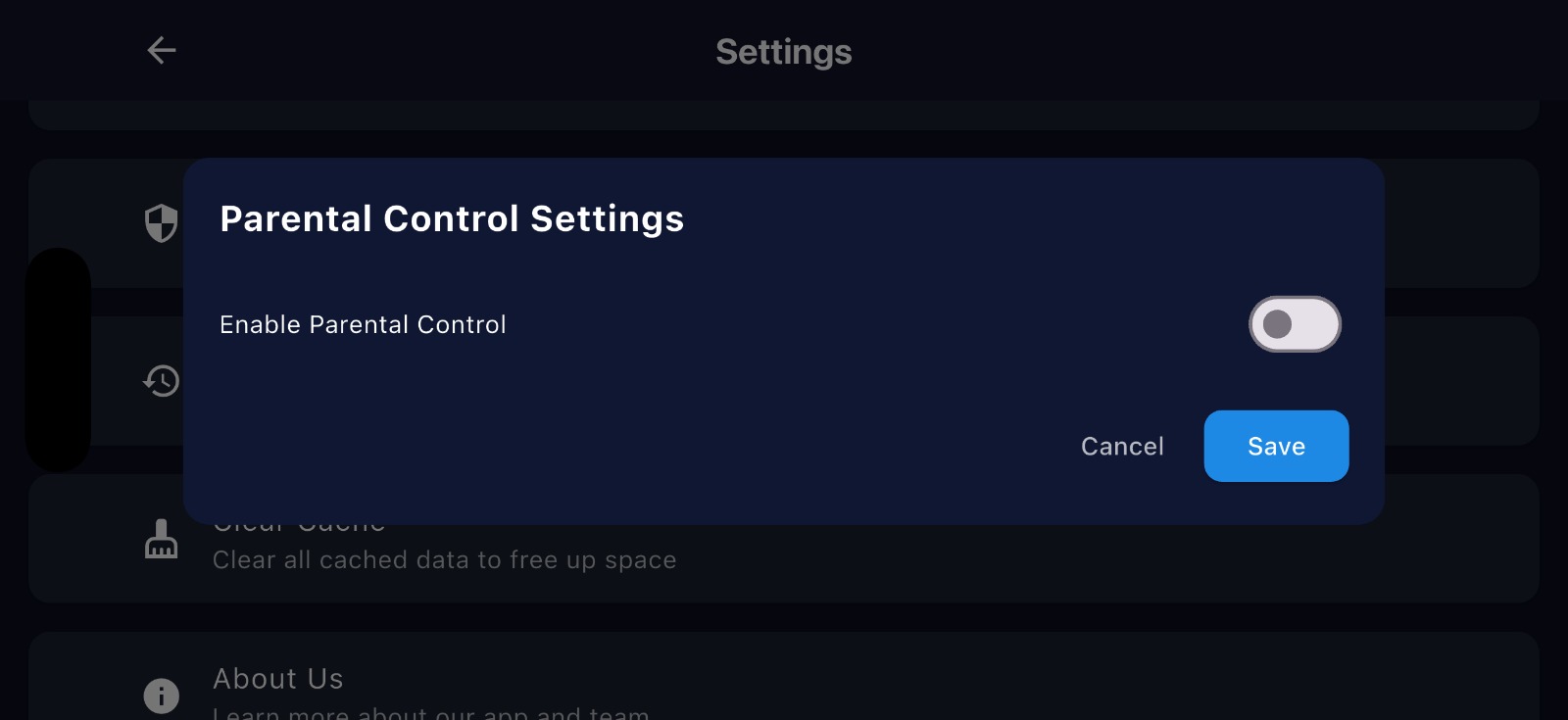
King Stream Player Parental Control - Best IPTV Player for Windows and iOS

Parental Control

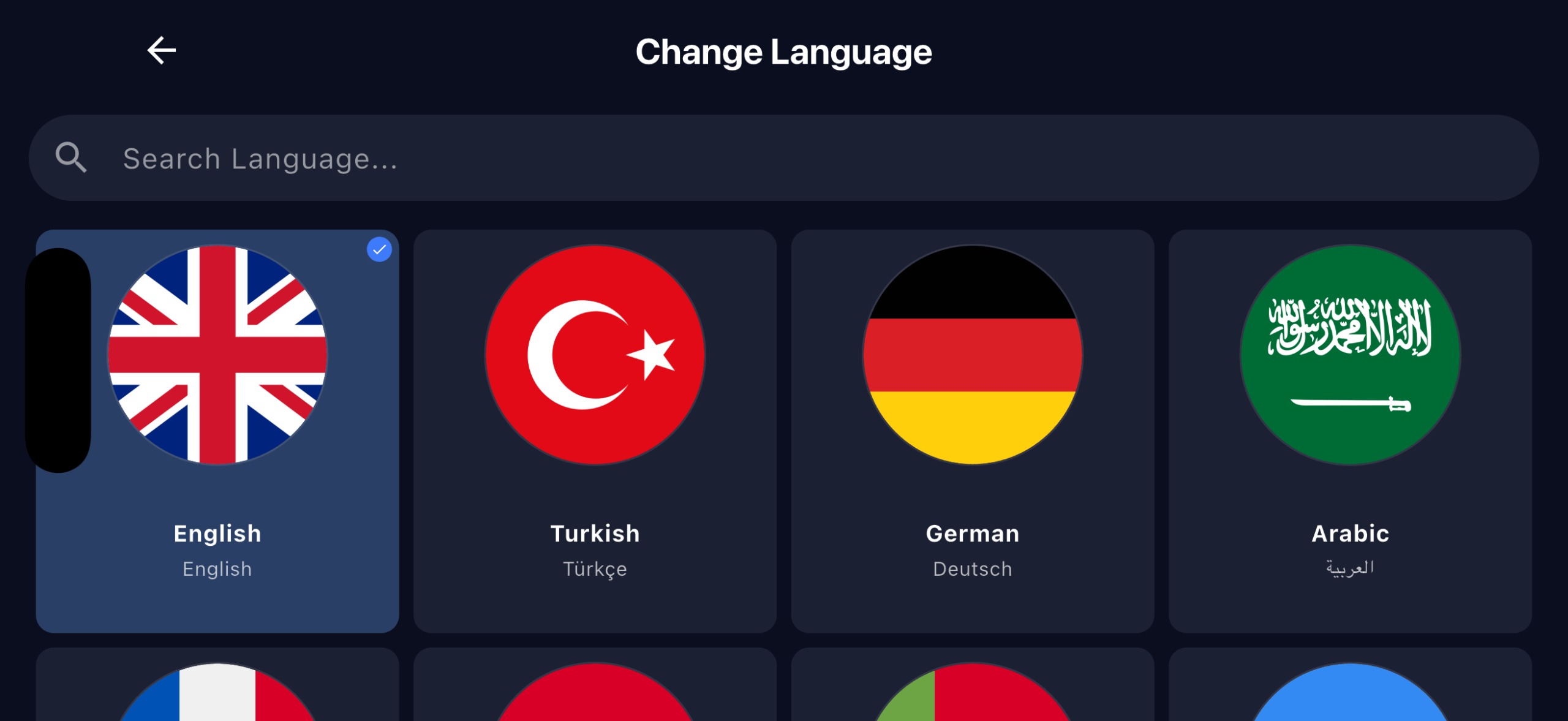
King Stream Player Language Selection - M3U and Xtream codes support

Langue

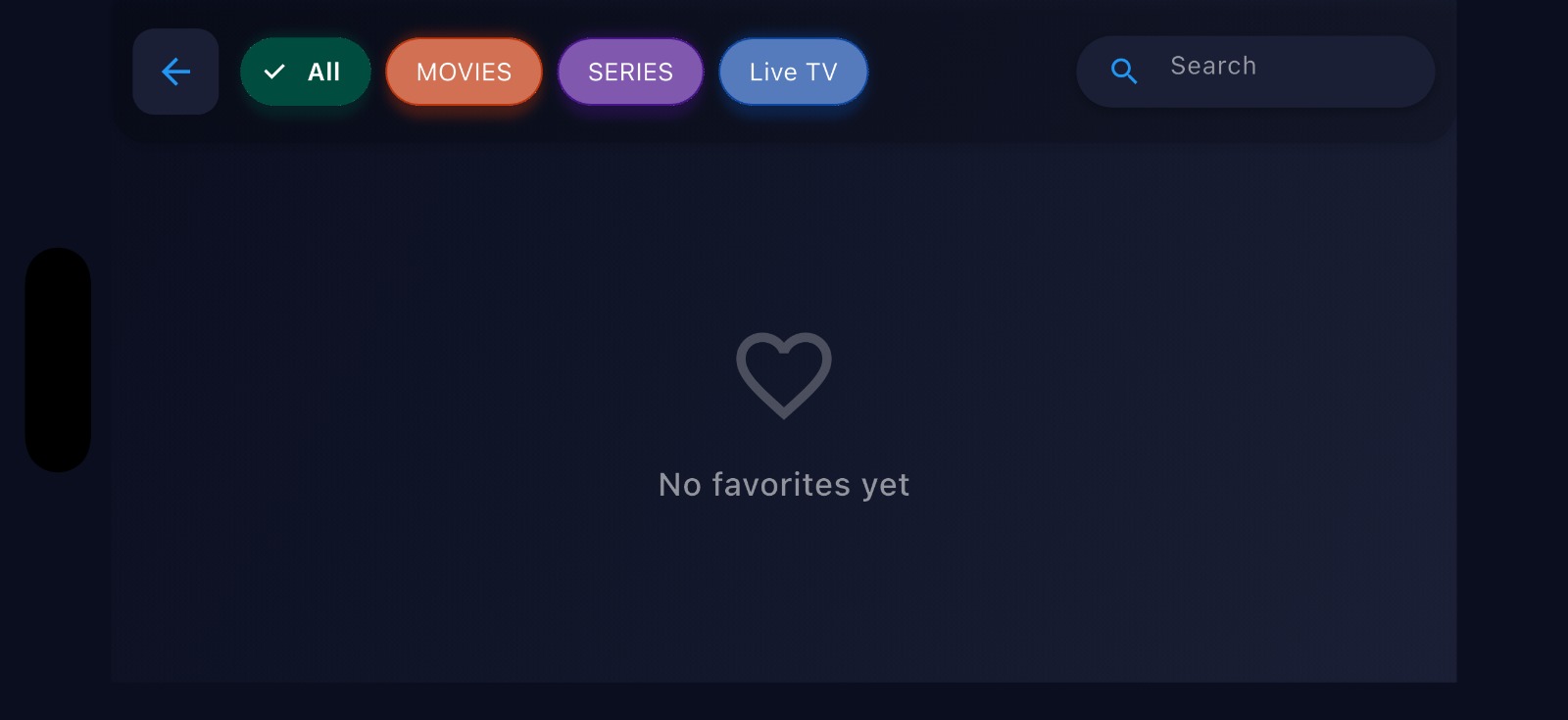
King Stream Player Favorites Screen - Easy access and management

Favorites Screen

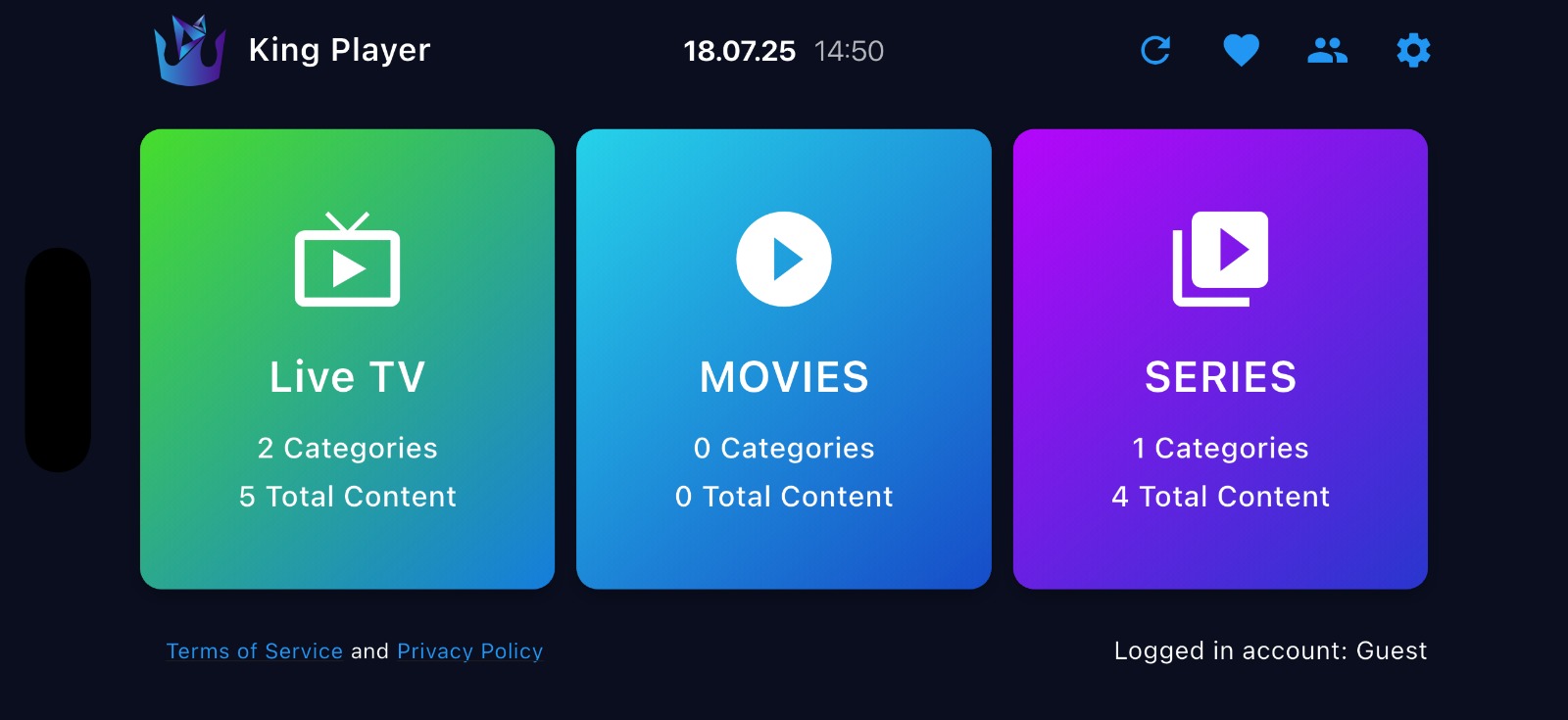
King Stream Player LiveTV Movies Series - Entertainment categories

LiveTV Movies Series

Frequently Asked Questions

Answers to your questions about our IPTV Player

Is the Windows IPTV Player application free?

+

Yes, the King Stream Player application is completely free for all platforms including Windows IPTV Player. It doesn't require in-app purchases or subscriptions. You just need to add your own IPTV list.

Which IPTV lists can I use with the Apple iPad iOS IPTV Player?

+

The King Stream Player application for Apple iPad/iOS supports all standard M3U and M3U8 formats, as well as Xtream Codes. You can use it by adding the M3U/M3U8 URL or file you received from your IPTV provider to the application.

What languages does the IPTV Player support?

+

King Stream Player is available in 15 languages: English, Turkish, German, Arabic, French, Spanish, Portuguese, Ukrainian, Russian, Dutch, Italian, Polish, Chinese, Romanian, and Japanese — offering a fully localized experience on all platforms including Windows and iOS.

What makes King Stream Player the best IPTV player for Windows and Apple devices?

+

King Stream Player is considered the best IPTV player for Windows and Apple devices due to its exceptional streaming performance, user-friendly interface, and comprehensive feature set. It offers advanced EPG support, favorites management, watch history, multi-language interface (15 languages), and supports both Xtream Codes and M3U playlists. Unlike other players, it provides seamless playback without buffering or freezing, making it the top choice for IPTV streaming on Windows PCs, Apple iPads, and iOS devices.

What are the minimum system requirements for the Windows IPTV Player?

+

For Windows IPTV Player, you need Windows 10 or later. For Apple iPad iOS IPTV Player, you need iOS 13.0 or later. A minimum internet speed of 5 Mbps is recommended for HD broadcasts, and a minimum of 25 Mbps for 4K broadcasts.

How do I add EPG (Electronic Program Guide) to my IPTV Player?

+

You can add the EPG URL from the application settings in both Windows IPTV Player and Apple iPad iOS IPTV Player. Your IPTV provider usually provides an EPG URL along with the M3U list. The advanced EPG interface allows you to easily follow live TV broadcasts with a user-friendly and intuitive experience.

Does the IPTV Player save my watching progress?

+

Yes, King Stream Player automatically saves your viewing progress with its Watch History feature, allowing you to continue from where you left off. This feature works on all supported platforms including Windows IPTV Player and Apple iPad iOS IPTV Player.

Can I add favorite channels in the IPTV Player?

+

Yes, with the Favorites Management feature, you can add your favorite channels, movies, or series to your personal list for quick access anytime. This feature is available on both Windows IPTV Player and Apple iPad iOS IPTV Player versions.

Does the IPTV Player provide content or just play my existing lists?

+

King Stream Player is only a media player application. The app does not host, stream, or provide any media content. We focus solely on providing the best playback experience for your existing media files and IPTV lists on Windows, Apple iPad, and iOS devices.